






KIDS · UNDER 13
Understand with confidence
Examples and guided practice of what you see at school. An adult is by your side and you can try again without pressure.
One idea at a time, on your tablet or phone.
Practice what you see at school from your tablet or phone, one topic at a time. One account for the whole family and a space for everyone.
Already have an account? Sign in. Creating the family account takes two minutes, and every profile keeps its own pace and progress. The app is available in English; courses and Praxis keep their original language.
Every stage has its own space.
Examples and guided practice of what you see at school. An adult is by your side and you can try again without pressure.
One idea at a time, on your tablet or phone.

A test coming up? Review with hints and find out what you're missing so you can study on your own.
Short challenges for your phone or tablet.

Pick a topic back up for yourself or support your family: organize the profiles and check everyone's progress.
Your study space fits on your device.
One platform. A path of its own for every age.
Three ways to learn, depending on what you need today.
An ordered path to learn one idea at a time, from the basics.
Lessons to read on your phone or tablet.
Practice without pressure until that idea starts to click.
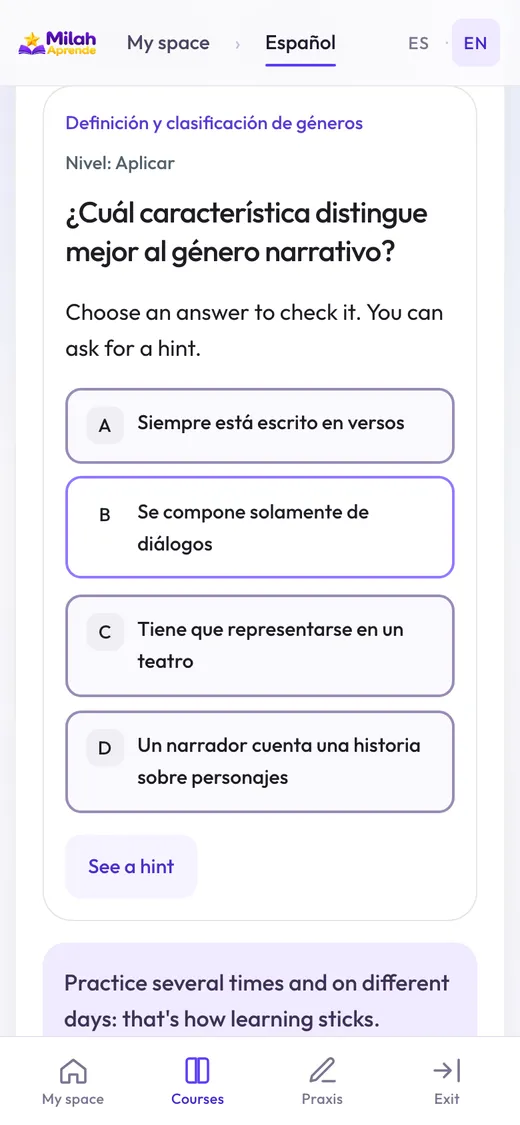
Interactive exercises to tap and take part in.
A practice test to see what you remember on your own and what's worth reviewing.
Rehearse from your tablet or phone.
In the app, “Praxi – Estudia” appears as “Estudiar” (Study) and “Praxi – Examen” as “Examen de práctica” (Practice test). Availability depends on the content published or assigned to your profile.
No need for a separate account per child. One adult manages the account and each student has a profile.
Interactive demo with sample profiles. It doesn't create or change your account.
With an email and a password. They must be 18 or older and confirm their email; there's no approval to wait for.
A nickname —never their real name—, their age group and grade. If you like, add subjects, goals and interests: that is all the AI uses to prepare content tailored to them. You can also create a profile for yourself.
Upload class notes or photos, or type the topic, and the AI creates a Praxis for that student. If they are under 13, you review and approve it before they see it. You can also start with a course from the library.
The student opens “My space”, picks their practice and moves at their own pace. Their progress is saved and you follow it from your panel.
For teens ages 13 to 17: you can create your own practices. Your space is personal, but your responsible adult can see your results and progress.
For parents and guardians: you decide what is created for each profile and see their progress from your panel.
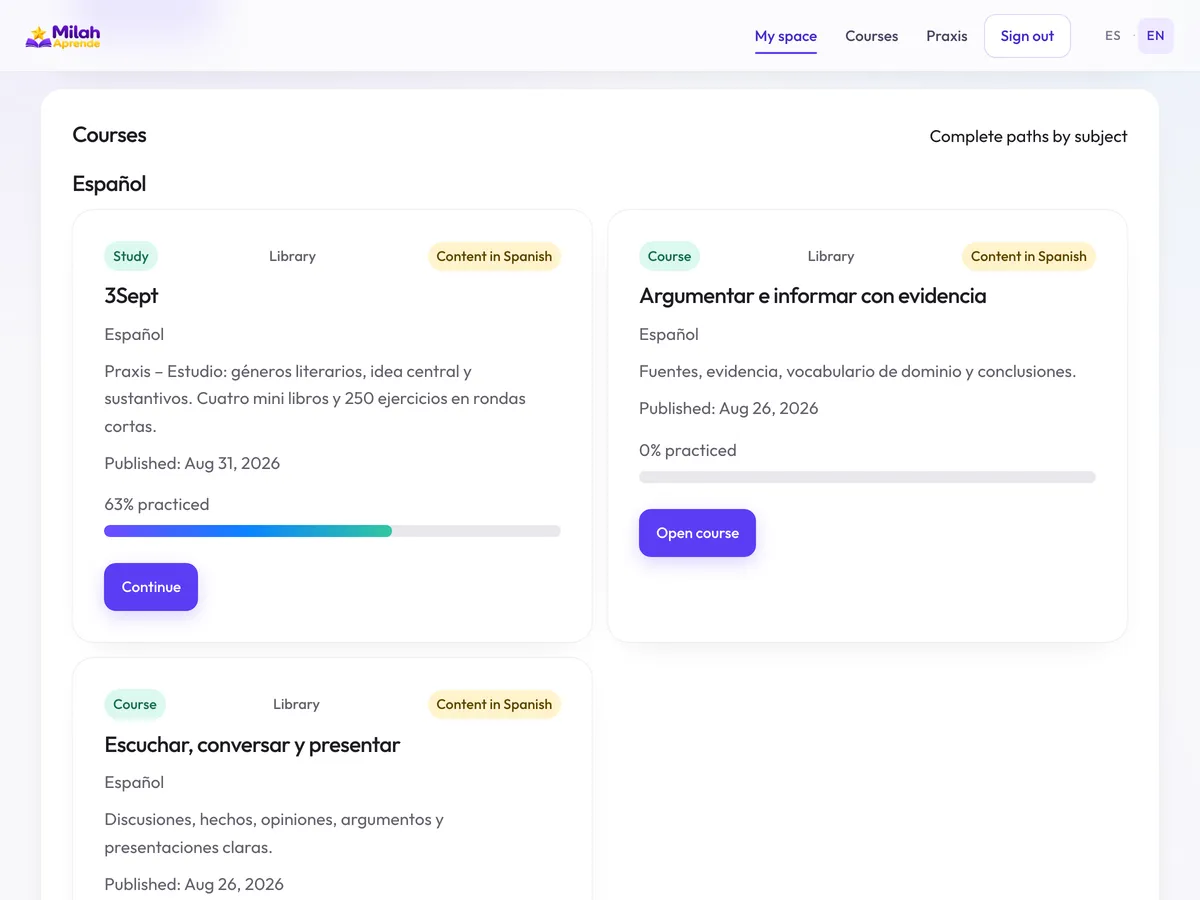
Tap a subject to see what's available. To open a course you need to sign in to your account.
The Praxis created for your family are inside your account; they don't appear in this public library.
On your tablet, your phone, or your computer.
Create your family accountIt runs in the browser. Praxis need an internet connection.
On iPhone or iPad: in Safari, tap Share and choose Add to Home Screen. On Android: browser menu → Install. It's a web shortcut, not a native app downloaded from a store.